← AiOn

Notetakers give you homework.

AiOn joins the call and does the work.

AiOn. Always on. · Now in your live calls

It sits in your call, hears what needs doing, and gets it done before you hang up.

Joins
Microsoft Teams Zoom Google Meet
Answers in the meeting chat Live from your WMS, ERP, and HRIS
Starts working as you speak No delegation, no due dates, no delay
Visible participant, never hidden Everyone on the call sees it's there
Watch it work

What if your notetaker got to work while you're still talking?

What it does on the call

Five things happen while you talk.

No tagging. No typing. No action-items list.
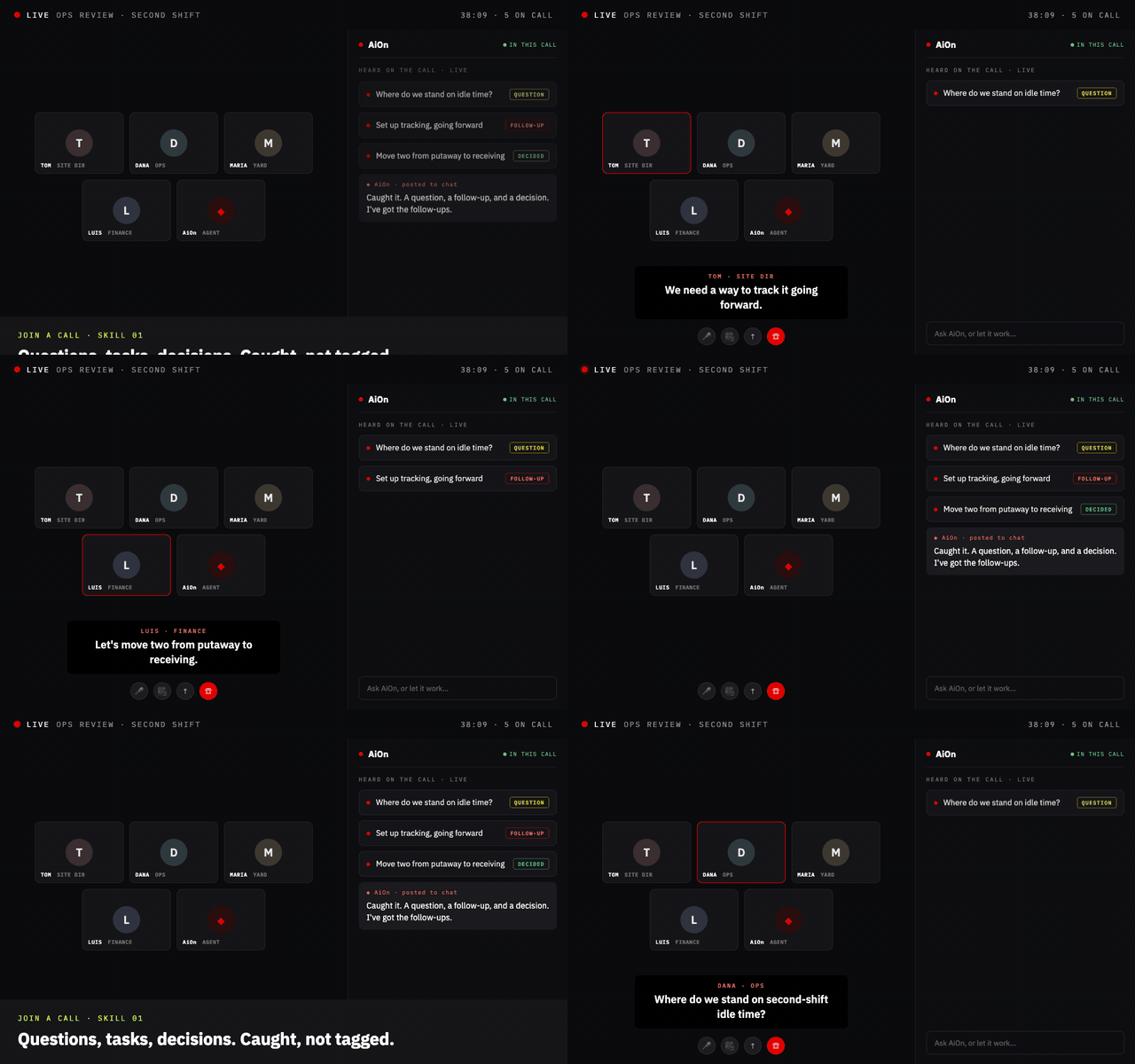
AiOn listening live on a call, catching questions, tasks, and decisions as they're spoken.
AiOn sorting what it heard into decisions and follow-ups in real time.
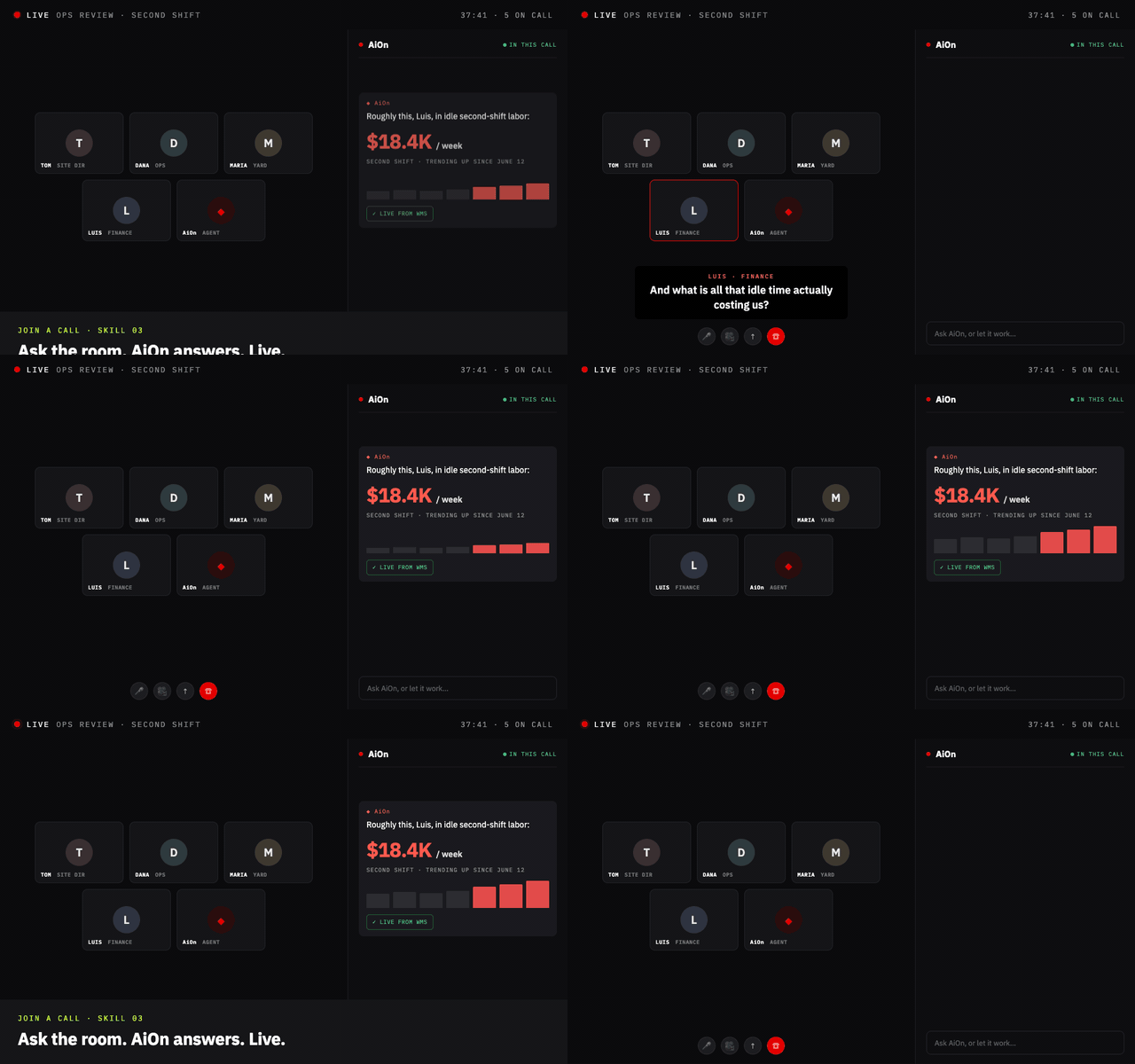
AiOn answering a question in the meeting chat, live from the WMS.
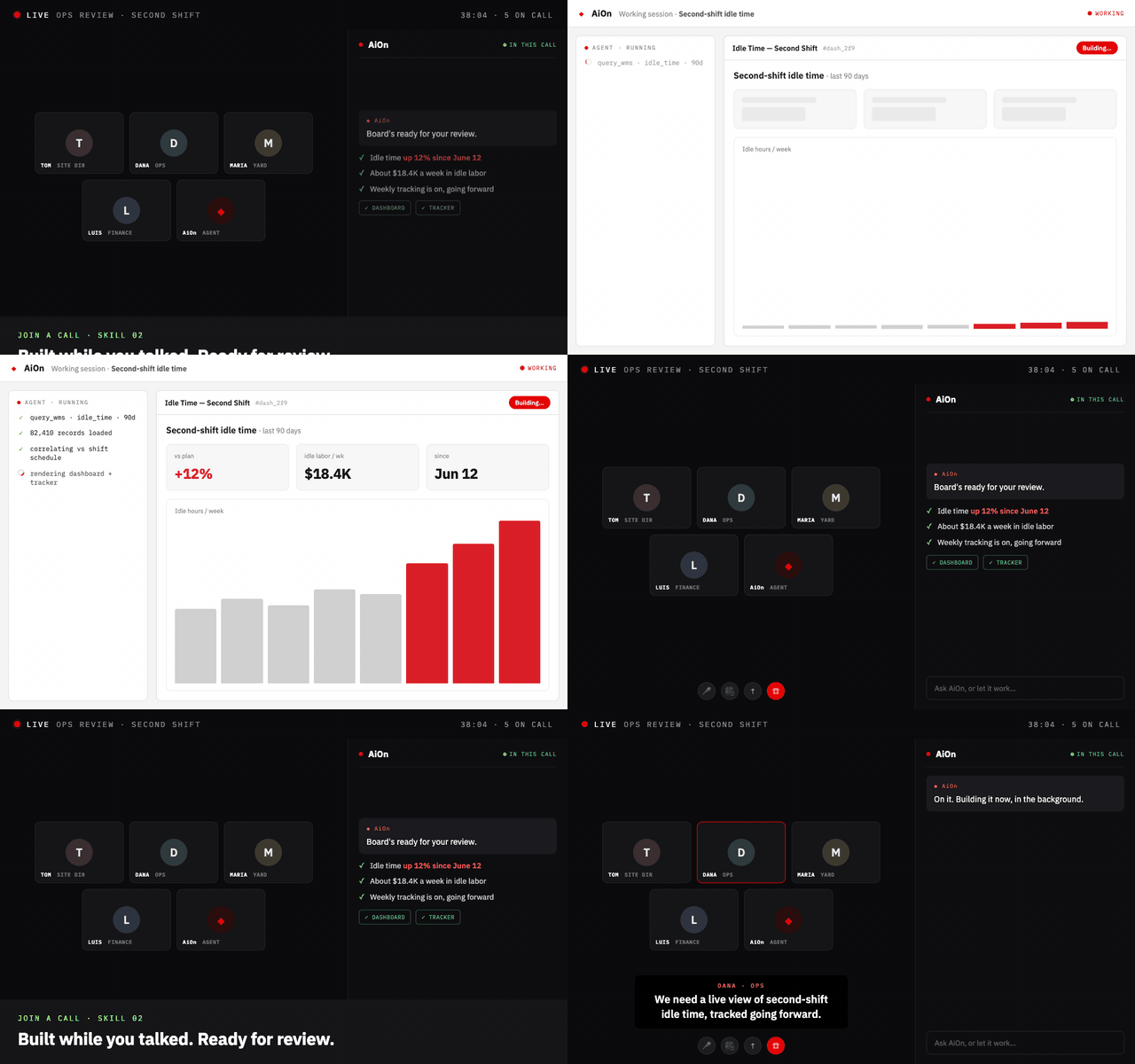
AiOn starting a work session in the background while the call continues.
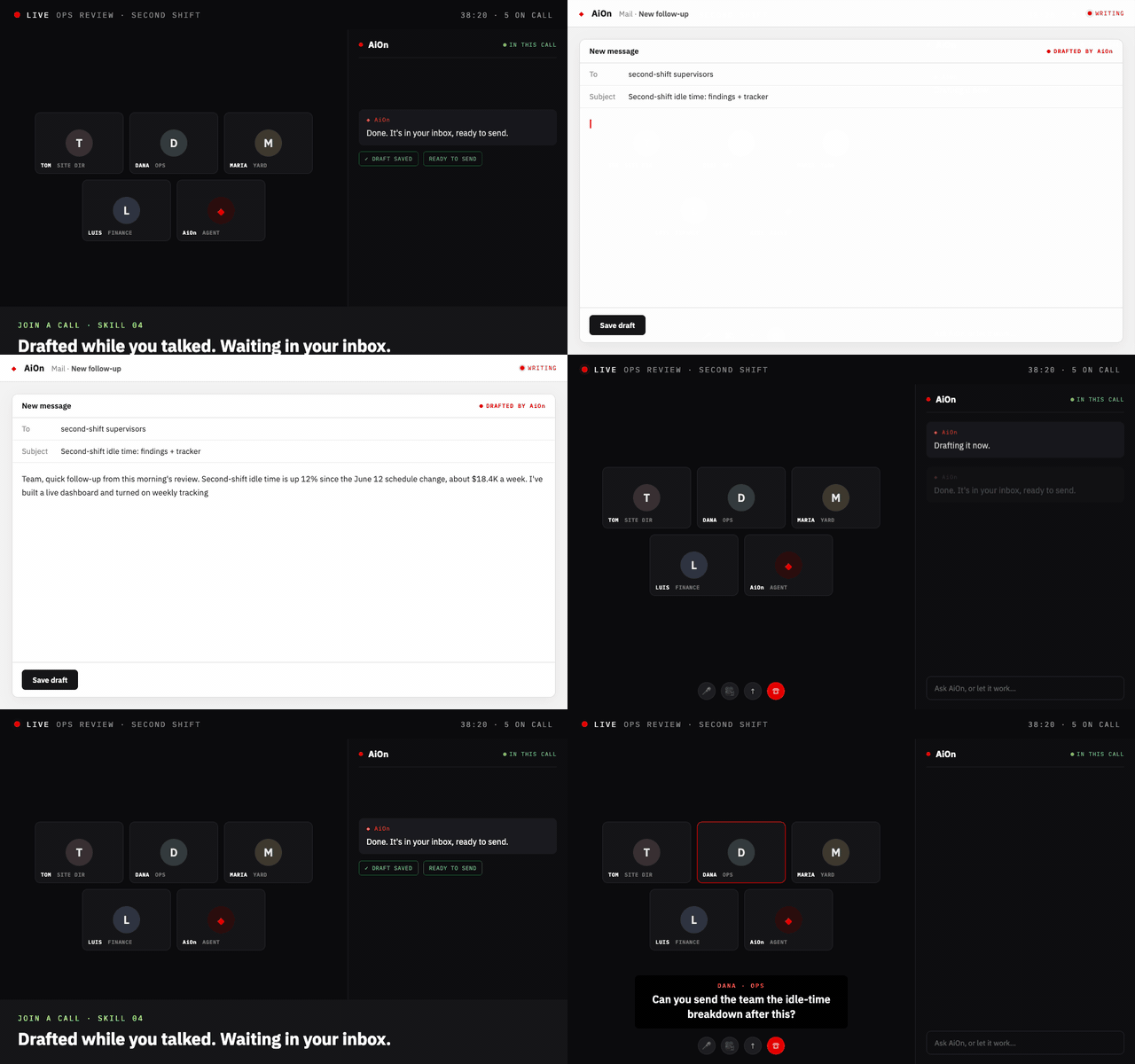
AiOn drafting a follow-up email and dropping it in the inbox, ready to send.
Trust & governance

Autonomous on the call. Never off the rails.

Trust comes first. Everything AiOn does on a call runs inside guardrails you set.

A visible participant, never hidden
Treats speech as context, not commands
Checks before consequential actions
Runs with your permissions, nothing more
Granted per user by your admin
Stop it anytime, every action logged
The difference

Notetakers give you homework. AiOn does it.

Notetakers AiOn
Records the call, writes the recap
Knows your operation: WMS, ERP, HRIS
Answers questions in the meeting chat
Starts tasks during the call
Builds dashboards, decks, and drafts
Works without being tagged or asked
When you hang up A to-do list Work done,
or moving
See it yourself

AiOn doesn't wait to be asked. Will you?

Bring us your next standup. Judge it by what's already done when you hang up.

Get a demo

Start with your work email

We'll set up a personalized walkthrough for your team.

Please enter a valid work email address.

No spam. We'll reach out within one business day.

Step 2 of 3

Tell us about yourself

We'll tailor the demo to your role and team.

Please fill in your first and last name.

Step 3 of 3

One last thing

How did you hear about OneTrack?

Please select an option.

You're all set

Pick a time that works

A personalized walkthrough with one of our solutions engineers — typically 30 minutes.

Calendar not loading? Open scheduling page →

Thanks

We'll be in touch

Someone from our team will reach out within one business day.
Questions? Email us at hello@onetrack.ai.